Puerto Plata travel planning
Internet in Puerto Plata: SIM Cards, eSIMs and Wi-Fi
Prepare mobile data, Wi-Fi and offline meeting details for Puerto Plata airport arrivals, independent travel and excursions.
Choose the connection your trip needs
Start with messages, navigation and contact with your organiser, then consider calls, verification texts and heavier data use. Hotel Wi-Fi alone may not meet your needs between stops. Puerto Plata city, Playa Dorada, Sosúa and Cabarete are different locations: do not treat a connection at one property as evidence of coverage along your whole route.
Compare roaming, SIM and eSIM
Ask your home provider whether the Dominican Republic is included, which services apply and how charges begin. For a different provider’s physical SIM or eSIM, check your exact phone model, regional version and network-lock status. An eSIM is not a guarantee of calls or texts: a data-only package needs a separate plan for those services. Compare allowance, validity, activation, top-ups and hotspot rules before purchase.
If keeping your existing service is the priority, first compare your home provider’s roaming offer with your planned use. A physical SIM is an option only when your phone supports the required card and provider. An eSIM can suit advance preparation when the exact device and package are compatible. Relying on Wi-Fi alone needs a workable offline plan between connections. Choose by the complete arrangement, not the label “unlimited” or the lowest headline price; check any speed or usage restrictions in the offer.
Set up before you need directions
Read the provider’s installation instructions while you still have a working connection. Check whether validity begins at purchase, installation or first connection, and which line should carry data. Keep your usual number’s charges in mind when using two lines. Save the actual hotel address, contact and meeting instructions offline. The airport-transfer guide explains why your arrival airport and destination address must both be confirmed.
Use Wi-Fi with a fallback
Ask your accommodation where Wi-Fi is available and whether access needs a password or sign-in. Do not assume the same service reaches the beach, lobby and room. Confirm the network name with staff, avoid unsolicited setup help and keep account credentials private. Before leaving, open saved instructions and check that you can read them without a connection; screenshots are useful only if the essential details are actually included.
Stay reachable during your outing
Agree the contact channel, meeting point and response if someone cannot connect before departure. A private itinerary does not automatically include vehicle Wi-Fi or continuous reception. For independent journeys, use the transport guide to arrange the return first. Do not replace a precise meeting agreement with an assumption that you can send your location later.
Keep a practical offline kit
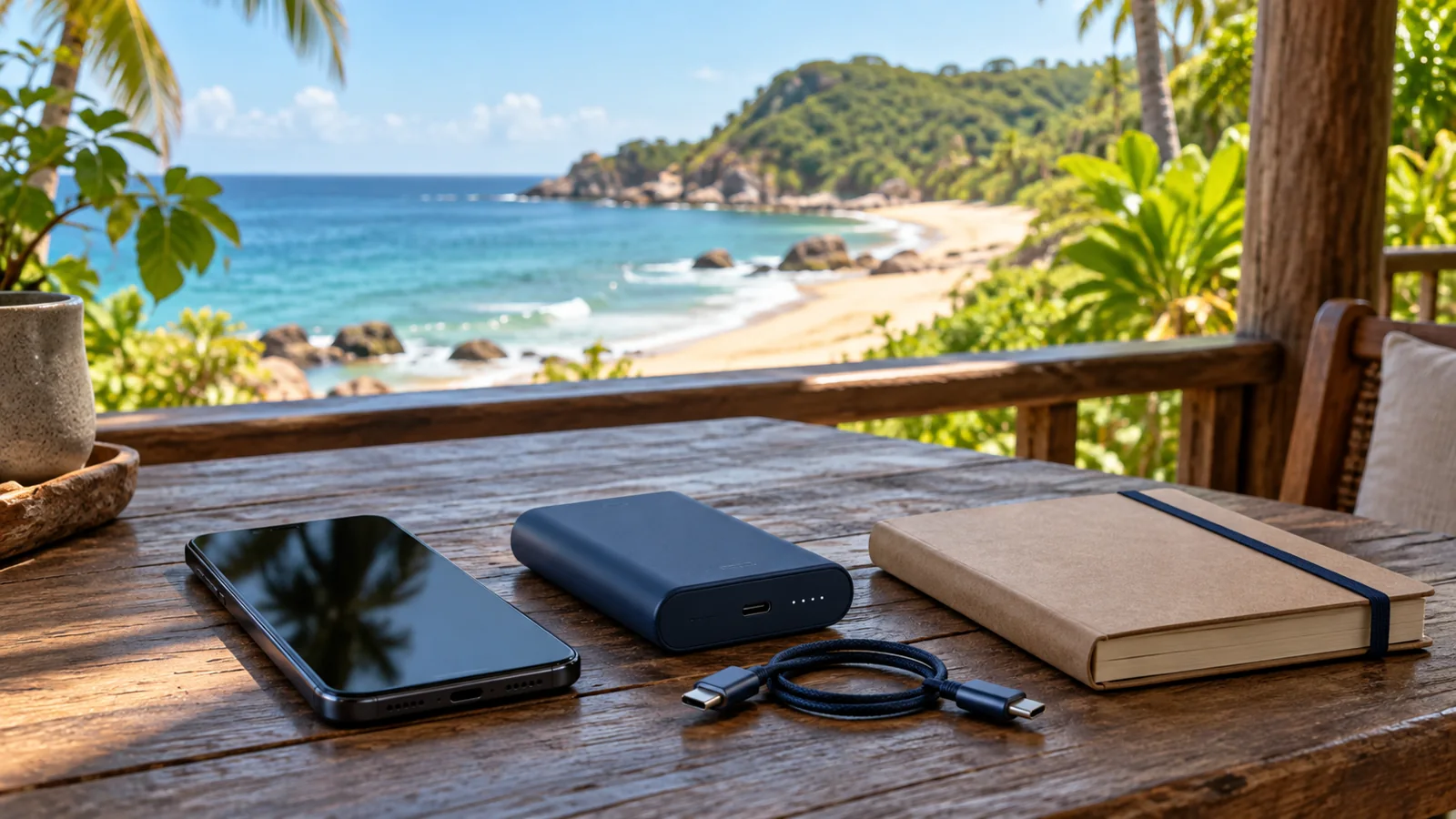
Charge your phone and any power bank, carry the right cable and save key contacts with the country code. Keep meeting details on paper if needed. The packing checklist covers protecting belongings during beach, boat and river outings. Ask where the phone can remain during the activity; waterproof packaging does not establish that you may carry it through a river circuit.
Cruise guests need a separate connection check
Check your own plan’s conditions for use ashore and aboard the ship; do not assume they are identical. Identify your actual terminal with the Amber Cove and Taíno Bay comparison, save the meeting location and follow the ship’s time instructions. No terminal Wi-Fi, network signal or last-minute message is guaranteed here. Agree a fallback that does not depend on finding a connection after disembarkation.
Connectivity questions
Does every eSIM include a phone number? No. Check whether the chosen package supplies data, calls and texts, and how your existing number will work alongside it.
Is hotel Wi-Fi enough? It depends on your plans. Prepare a way to navigate and follow meeting instructions away from the property, including when offline.
What if I cannot contact my driver? Use the meeting and fallback procedure agreed before travel. Save the details in advance; do not assume a new pickup point or guaranteed response.
Confirm the route and the contact plan
Review your outing and ask for written meeting instructions, a contact method and an offline fallback. An enquiry does not confirm a booking.
Compare tours